Why Pinterest suits faceless affiliates
Pinterest works more like a visual search engine than a social feed. People search for ideas and save pins to come back to later, so a good pin can be found long after you publish it — no selfies or personal videos needed.
Always check each affiliate program's rules. Some programs limit or forbid direct affiliate links on Pinterest, and some ask you to link to your own page instead.
Set up a faceless Pinterest account
Use a business account so you can see analytics. Choose a brand name and logo instead of a personal photo, and write a short profile description that says who you help and with what.
Create three to five boards named the way your audience searches — for example 'Beginner Budget Planners' rather than 'Stuff I Like'. Add a sentence to each board description using those same words.
Disclose clearly and link honestly
Tell people when a pin contains an affiliate link, using plain words such as 'affiliate link' or '#affiliate' in the description. Disclosure is required in many places and it builds trust.
Only recommend products you understand, and describe them accurately. Never imply a product will earn someone money.
Your first ten pins
Make ten pins around one topic: a clear title on the image, a keyword-rich description, and one destination link. Then wait, review your analytics after a few weeks, and make more of what people save and click.
Affiliate Marketing explains the basics of choosing and promoting offers, and Pinterest Marketing Mastery covers pin design and keywords in more depth.
Guides mentioned in this post
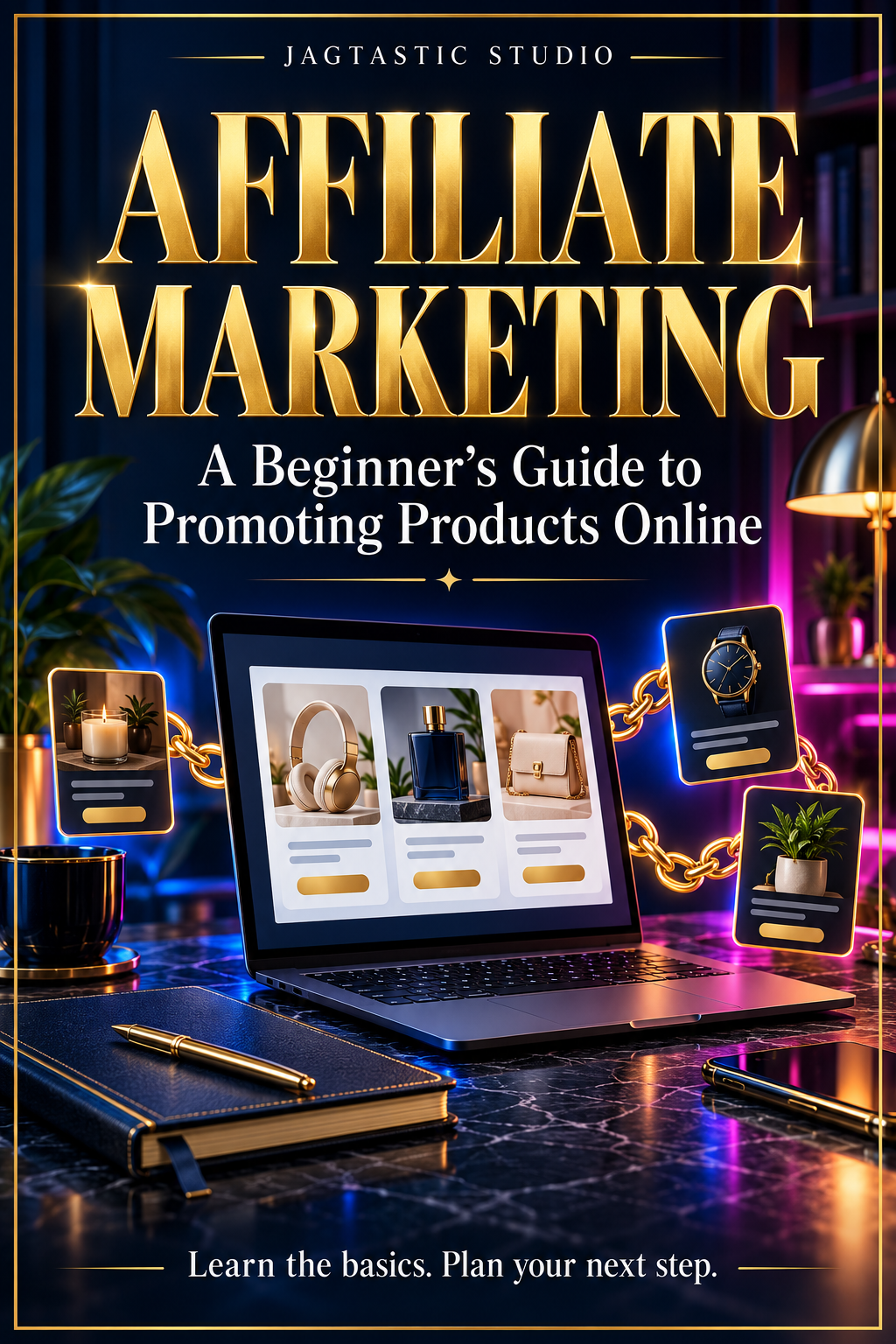
Affiliate Marketing
Affiliate Marketing
An introduction to affiliate marketing and purposeful product recommendations for your content.
$7
Applicable taxes calculated at checkout.
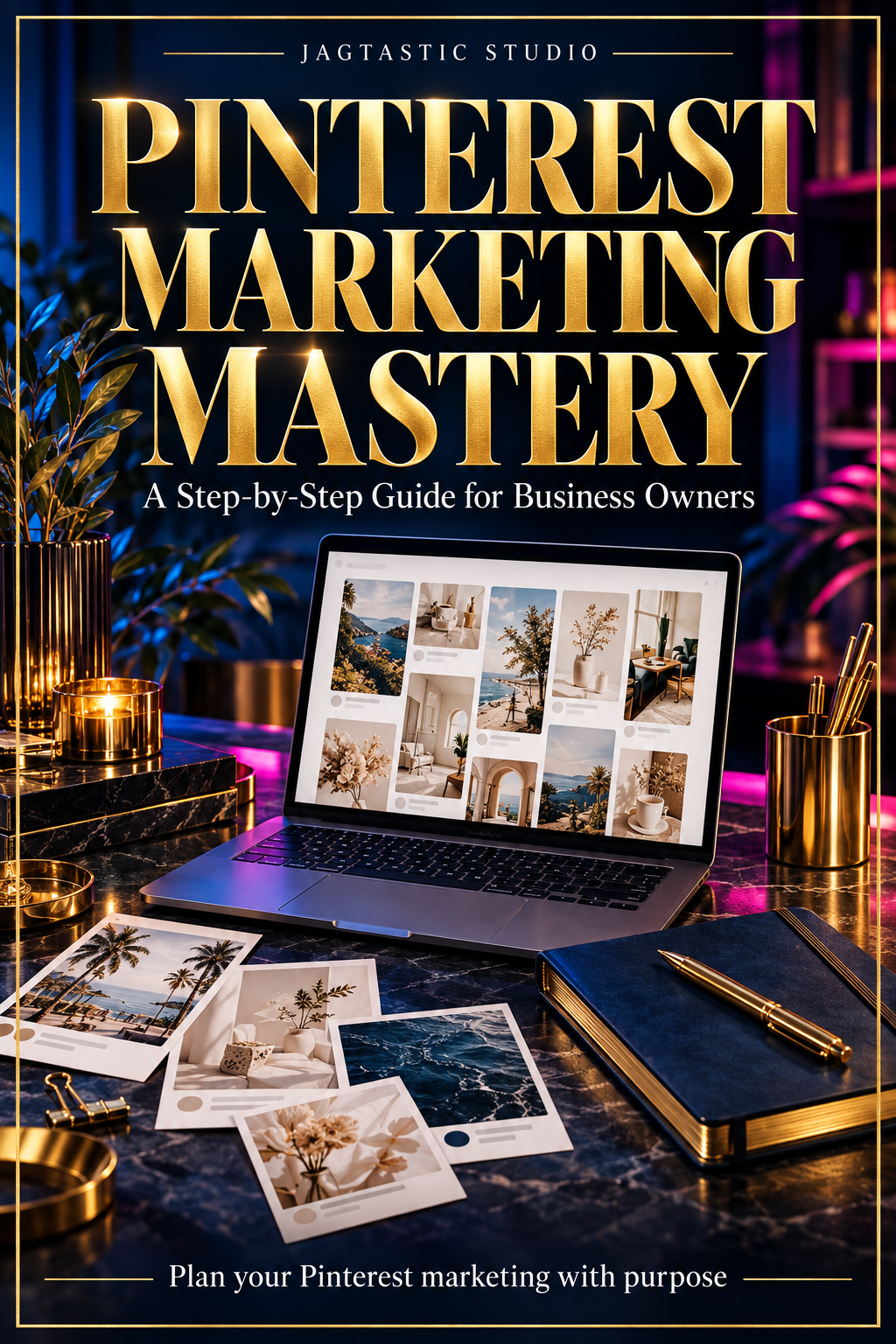
Pinterest Marketing Mastery
Understand Pinterest as a marketing channel and plan how you'll promote your digital products or affiliate recommendations.
$9
Applicable taxes calculated at checkout.
Share this post
Follow Jagtastic on Instagram and Pinterest for more beginner tips.
New here? Start with the free Start Here guide or browse all posts on the blog.