Pinterest works like a search engine
People type what they're looking for, so your pin needs the words they would search. Think "beginner faceless content ideas" rather than a clever slogan nobody types.
Put your main keyword in the pin title, mention it naturally in the description, and use it in the text on the image itself.
A design checklist
Use a tall 2:3 image, large readable text, and two or three brand colours. Keep the message to one idea per pin. Test that the words are readable on a phone screen.
Link each pin to the exact page it promises — a pin about a free guide should land on the free guide page, not your homepage.
Make several pins per page
One page can have several pins with different headlines and images. This helps you learn which angle your audience prefers without creating new content from scratch.
Pinterest Marketing Mastery covers boards, keywords and pin strategy in more depth.
Guides mentioned in this post
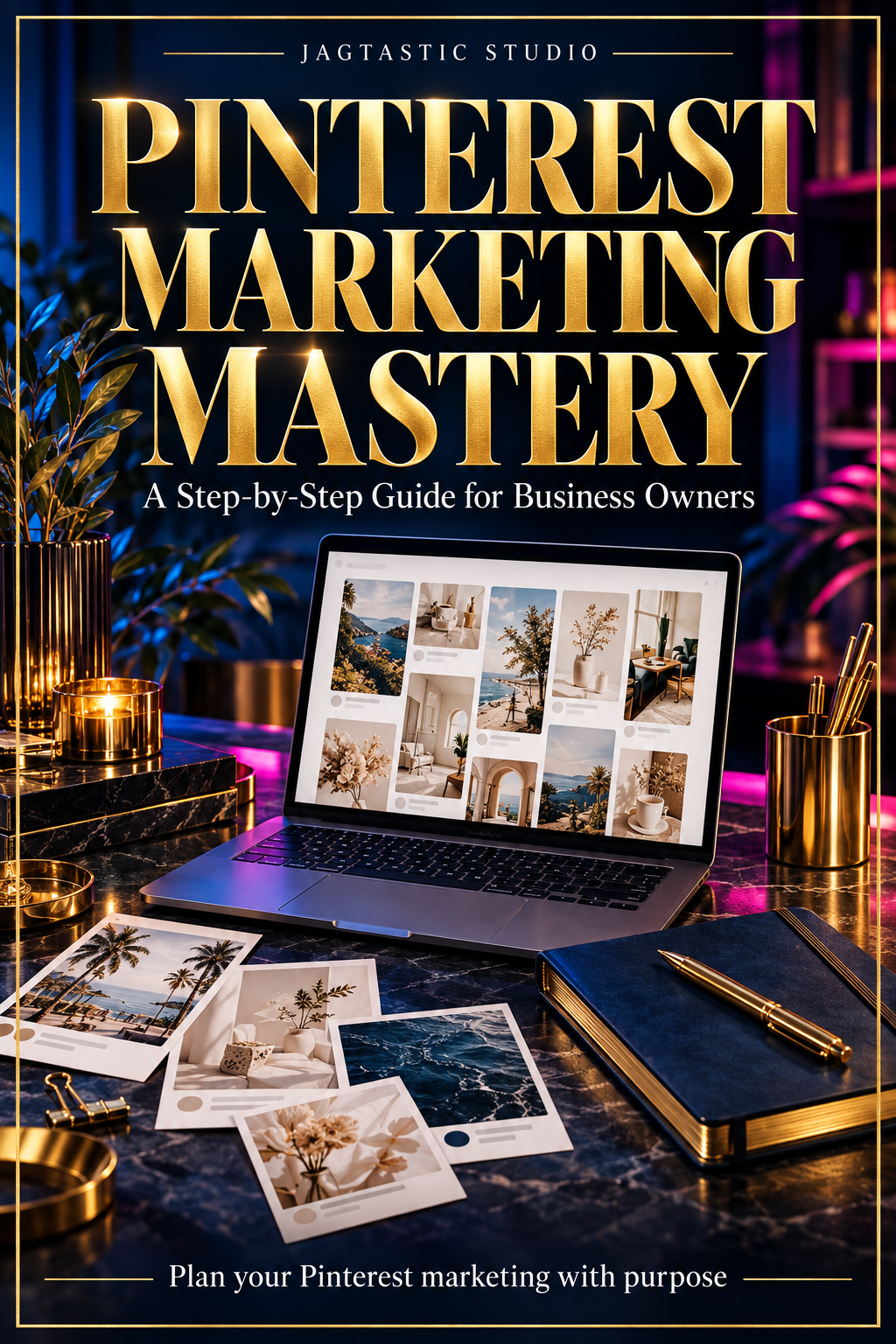
Pinterest Marketing Mastery
Understand Pinterest as a marketing channel and plan how you'll promote your digital products or affiliate recommendations.
$9
Applicable taxes calculated at checkout.
Share this post
Follow Jagtastic on Instagram and Pinterest for more beginner tips.
New here? Start with the free Start Here guide or browse all posts on the blog.